
How to set up your correct TikTok ID
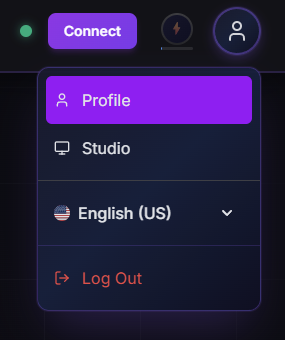
1. Open your profile
Click your profile icon in the top right corner, then click "Profile" to open your dashboard.
2. Enter your TikTok ID
Open the "Account" tab and find the "TikTok ID" field. Put your TikTok ID in the field and click "Save". If you don't know your TikTok ID, you can find it in your TikTok profile link - it looks like this: https://www.tiktok.com/@kawaiitryouts. Your ID is the part after the @, in this case kawaiitryouts.
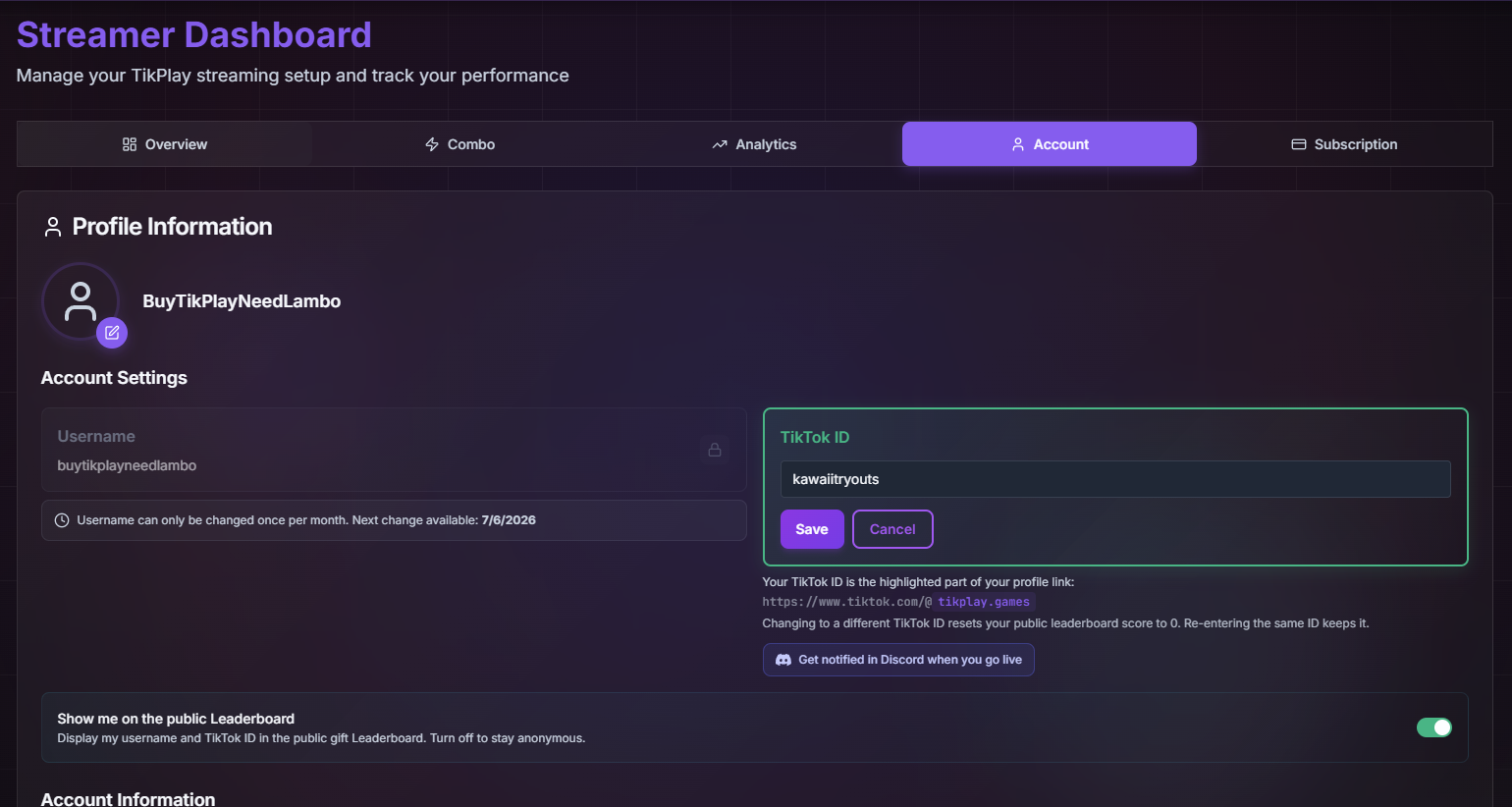
Congratulations - you've successfully set up your TikTok ID!